
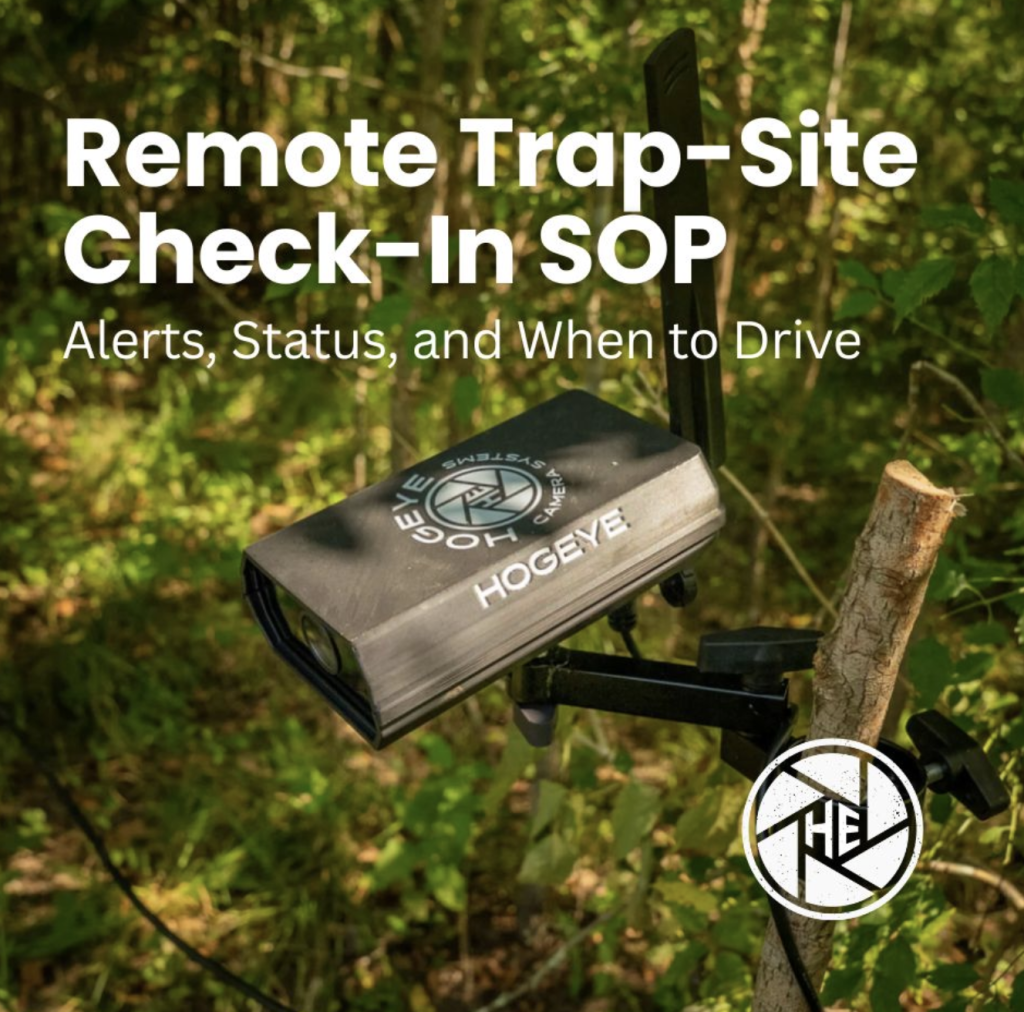
If your trapping program still runs on a trap-checking schedule, you are spending fuel to learn what a camera could have told you hours earlier. The opposite mistake is just as expensive: treating every notification like an emergency and burning the day chasing noise.
If you already run a wild hog trap camera system, the gap is usually the check-in habit, not the hardware. What follows is a remote trap-site check-in SOP: what to review in the app, how to triage alerts, and when an on-site visit is actually required. The payoff is fewer wasted trips and cleaner closure decisions.
Why Fixed Trap Checking Schedules Fail
A clock does not know when a sounder commits. Driving every morning or every evening tells you the situation only after you arrive, often at an empty trap, and it pulls you away from the sites that are actually working.
Remote check-ins flip that order. You read trap status and camera activity first, then decide whether the site needs a watch window, a closure command, or a truck. That sequence is what protects both your time and your full-sounder capture rate.
What a Remote Check-In Actually Covers
A real check-in is more than opening the app and scrolling. Work through the same short list every time:
- Camera health. Is the unit reporting? Power, connection, and last successful update matter before you trust anything else.
- Trap status. Is the trap in conditioning or catch configuration? Is the gate or drop mechanism set the way you think it is?
- Bait and site condition (from live view). Empty bait, flooded pads, or a shifted camera angle are early warnings that the next night will underperform.
- Sounder pattern. Are the same hogs returning? Are they entering, circling, or only testing the edge?
- Closure readiness. Do you already know the sounder size, or do you still need more nights of observation?
If any of those five answers are unclear, the check-in is not finished. Guessing is how partial captures start.
Alert Triage: Ignore, Watch, Act, or Drive
Not every alert deserves the same response. Sort them into four buckets:
- Ignore (or archive). Brief motion with no hog commitment, weather false triggers, or known livestock passing the edge of the frame. Log them if your team needs a pattern, then move on.
- Watch. Fresh activity at a baited site, early entries, or a growing count across nights. Stay live or keep short-interval reviews until you know whether the full sounder is forming.
- Act remotely. The whole sounder is inside and settled, and your closure criteria are met. Send the closure command from the app instead of waiting for daylight.
- Drive. Hardware not reporting, trap state uncertain, bait clearly out, camera knocked off the target, or a catch that needs dispatch and reset. Those are on-site jobs.
Write the triage rules down for your team. The SOP only works if everyone uses the same thresholds.
On-Site Verification Rules
Remote monitoring reduces trips. It does not eliminate them. Drive when verification matters more than convenience:
- The camera has gone dark or stopped reporting and you cannot confirm power or connection remotely.
- Live view and trap status disagree (for example, the app says catch mode but the gate or drop setup looks wrong).
- You need to refresh bait, reset after a catch, or repair panels, actuators, or mounts.
- You are establishing a new trap site and still validating that the camera covers inside and outside the trap.
When you do drive, leave with a short punch list from the last remote check-in. A trip without a purpose is the old schedule in a new hat.
A Multi-Site Cadence That Does Not Burn the Day
Operators running more than one trap should check in by priority, not by map order:
- Sites with active alerts or recent sounder activity
- Sites in catch phase that are close to closure criteria
- Quiet conditioning sites (quick health + bait confirmation)
- Known dead sites (confirm nothing changed, then deprioritize)
A purpose-built HogEye steel camera setup makes that cadence realistic because you can review live video and trap decisions from the phone instead of treating every site like a drive. For install and field references, keep the camera resources library open while you standardize the checklist across the team.
If you are pairing cameras with commercial drop or panel systems, the hog traps overview is the right product context. The SOP itself stays the same: remote first, drive when verification demands it.
Frequently Asked Questions
How often should I check a hog trap camera remotely?
Check by activity, not by the clock. Prioritize sites with alerts or recent sounder movement, then do lighter health checks on quiet conditioning sites.
When should I drive to a trap instead of relying on the camera?
Drive when the camera stops reporting, trap status is uncertain, bait or hardware needs hands-on work, or you need to reset after a catch.
What should a remote check-in include?
Confirm camera health, trap status, bait and site condition from live view, sounder pattern over recent nights, and whether closure criteria are actually met.
Do camera alerts mean I should trigger immediately?
No. Alerts are a reason to look. Trigger only when the full sounder is inside and settled, not on the first hogs through the entrance.
Can one person run multiple trap sites with this SOP?
Yes, if check-ins are prioritized by activity and catch-phase readiness instead of a fixed route that treats every site the same.
Ready to Stop Driving Blind?
HogEye gives you live trap-site visibility and remote closure control so check-ins turn into decisions, not guesswork.
Talk with the HogEye team about standardizing check-ins across your trap line →