
Intro
Remote trigger capability is powerful only if your team can execute consistently in real field conditions. A strong remote hog trap trigger workflow uses readiness standards, not last-minute improvisation. When standards slip, teams miss trap windows that do not come back.
This field standard is built for trappers and remote teams that cannot afford sloppy closures: role clarity, connection checks, trigger rules, and final validation.
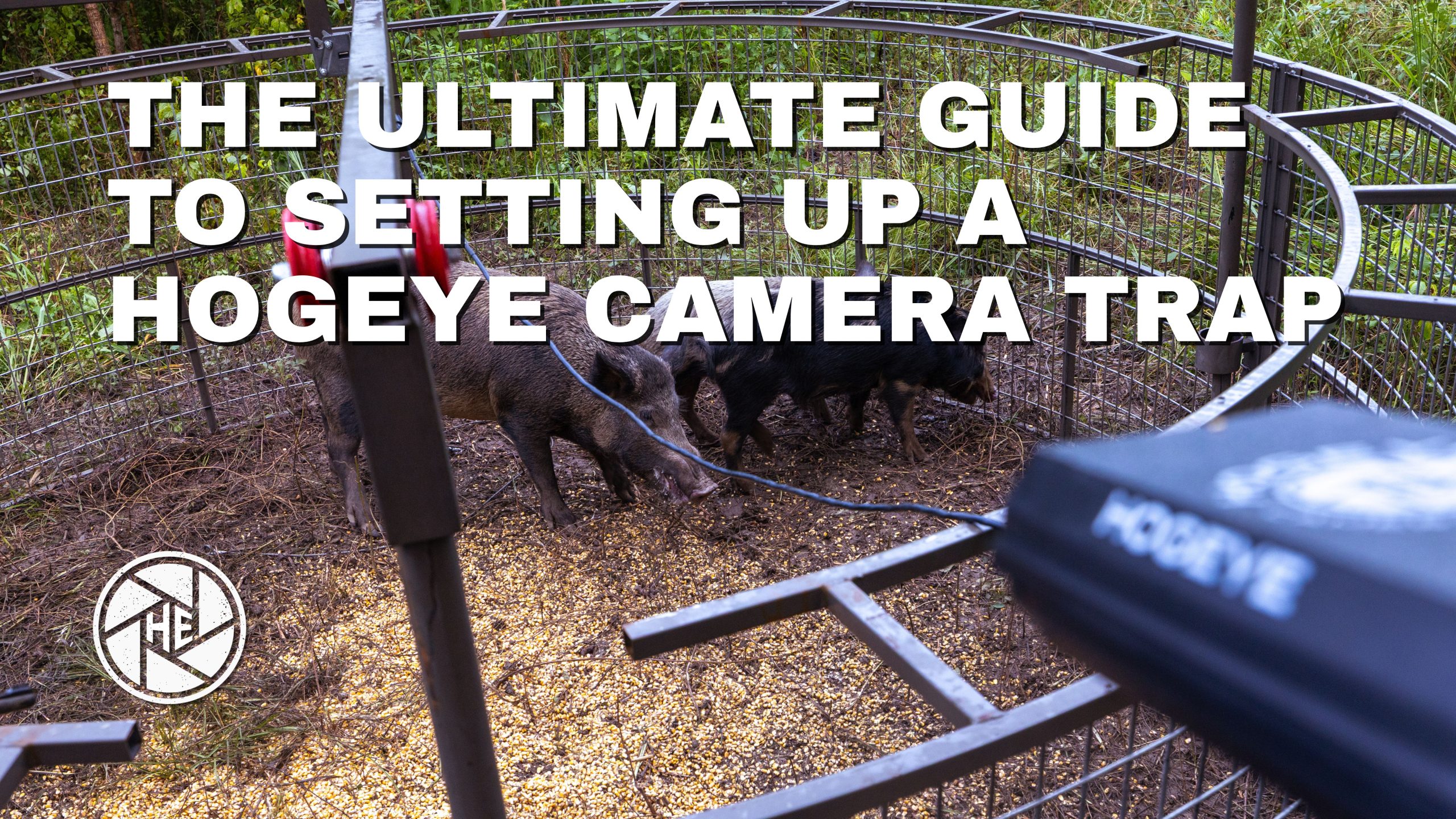
Align hardware and app expectations with trap camera product context and camera resources for wiring and field checks before you standardize roles.
One app, shared access, coordinated drops

The HogEye camera system is built around one app that can control one or more HogEye cameras. The same account can include multiple people who monitor activity and can remotely trigger the trap.
That matters for hunting clubs and coordinated property teams, because more than one person can see the field of view and execute the drop when conditions are right. For many operators, shared monitoring and trigger access is a practical difference compared with setups that effectively limit visibility or control to a single user.
Field example: On one trap with one camera, a team rotated watch so someone was ready during active windows. One evening, all three members were notified that hogs were in the trap. They coordinated, watched together for about 30 minutes, and decided to drop even though two pigs known to be part of the sounder were not visible in the trap at that moment—because the group agreed the conditions met their criteria for a decisive closure.
Define roles before the trap becomes active
Even small teams need clear trigger ownership.
Set these roles in advance:
- primary operator (monitor and trigger owner)
- backup operator (ready to take over if needed)
 margin-bottom: 0.5rem;”>field support role (setup verification and reset support)
This keeps trigger timing coordinated when the active window is short and mistakes are expensive.
Run the same readiness checklist every camera set up
A consistent checklist improves trigger confidence:
- confirm camera mounting and angle
- confirm power chain from battery to camera
- confirm gate cable and latch path
- confirm app access and operator handoff readiness
- perform a final test drop
Most missed closures start as a process failure before they ever look like a hardware failure.
Use trigger rules to avoid rushed decisions
A remote trigger should only happen after defined rules:
- rule 1: system integrity verified
- rule 2: view quality sufficient for decision
- rule 3: sounder number meets plan
- rule 4: backup operator available if needed
If one rule is not met, do not trigger. Resolve the issue first. Triggering through uncertainty is how teams lose a capture opportunity.
At trigger time, confirm the rules still match reality
The rules above are your decision framework. Right before you trigger, confirm nothing has drifted—coverage, visibility, headcount assumptions, or who owns the final call:
- system integrity still passes
- decision visibility is clear at the trap
- latch path and control path are verified
- active-window ownership is clear
- final test drop already verified actuation for this deployment
Build a simple handoff protocol for continuity
When multiple people share monitoring and trigger responsibility, handoff should be immediate and structured:
- confirm who has live access
- confirm current trap status
- confirm who has trigger authority now
- confirm that trigger conditions are still valid
This closes communication gaps that often lead to preventable misses in live-trap conditions.
For more operator-style breakdowns after you lock roles, see the HogEye blog.
Frequently Asked Questions
Short answers for scanning, field use, and assistants that need self-contained Q&A pairs.
What is the most common cause of missed remote trigger opportunities?
Most missed closures come from inconsistent readiness checks and unclear ownership of who is responsible for triggering the trap. A defined routine cuts both risks. Cross-check wiring and power discipline against camera resources before you blame “signal” or the app.
Why include a test drop if everything appears connected?
A test drop confirms end-to-end actuation before the live decision window. It validates the part of the workflow that matters most: actual trap response.
How should teams split monitoring versus trigger authority?
Use one primary operator who owns the trigger decision during the active window, plus a named backup who can take over without debate. Shared viewing is fine; overlapping trigger authority without a rule creates rushed calls. Document who has the app session and who can execute the drop before hogs arrive.
What does shared HogEye access mean for multi-operator workflows?
Multiple people can monitor and participate in coordinated closures when the system is set up for shared access, but teams still need explicit trigger rules so one person owns the final call. Keep product and mounting context aligned with trap camera so everyone is looking at the same field of view expectations.
Where should I read more on setup, wiring, and field checks?
Start with camera resources for connection and power discipline, then use the blog for deeper operator articles when you want more examples beyond this standards piece.
Conclusion
Remote hog trap trigger success comes from repeatable standards: role clarity, readiness checks, and hard trigger rules. In live conditions, those standards are what keep a rushed call from turning into a missed capture.